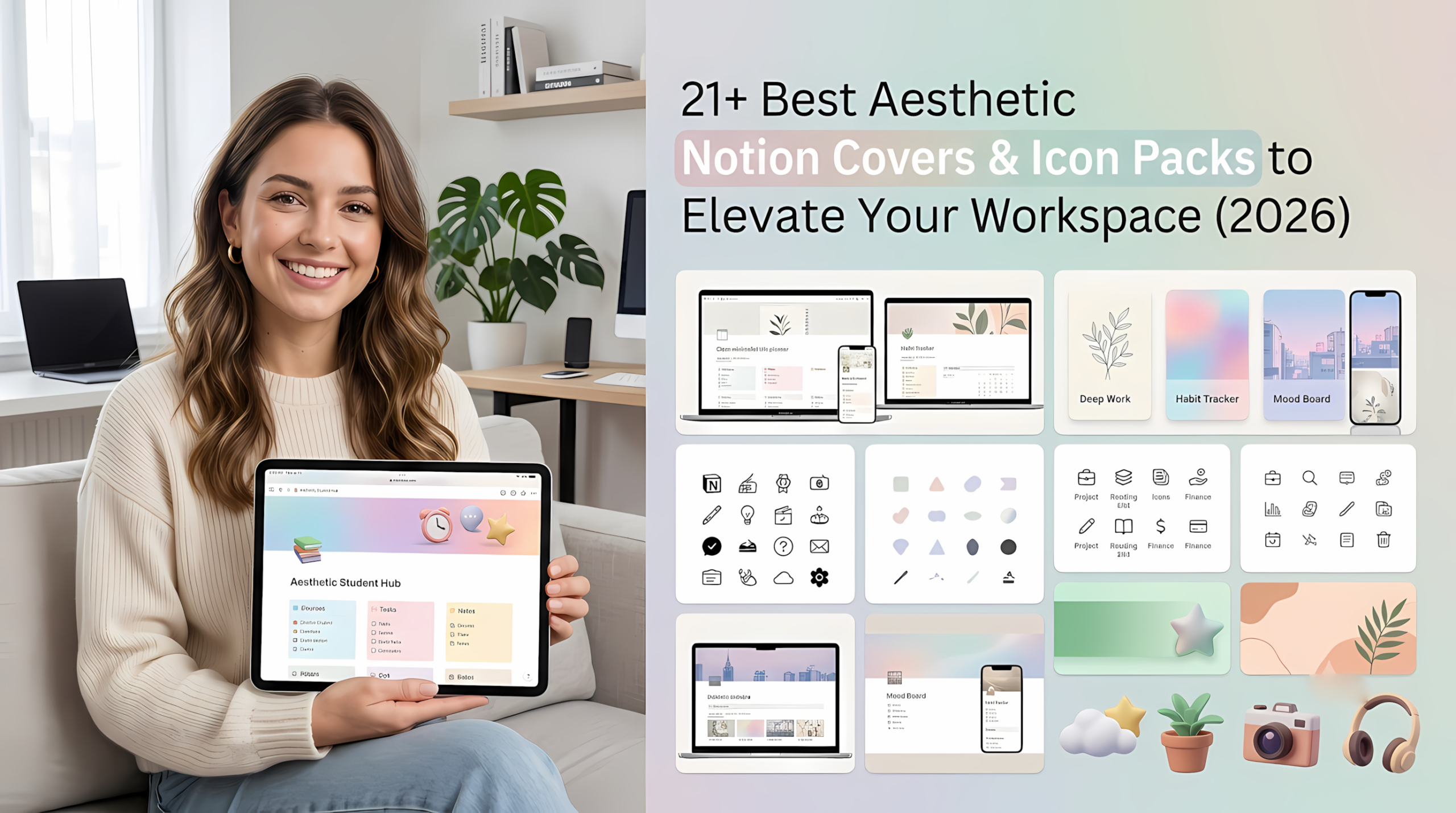
If you are looking for the best aesthetic notion covers and icon packs to elevate your daily workspace, you are in the right place. If you spend hours every day managing projects, tracking habits, or organizing your life in Notion, your workspace layout matters far more than you might think. A sterile, default canvas can feel uninspiring, while a cluttered dashboard full of mismatched graphics creates unnecessary mental fatigue.
In this guide, we’ve curated and tested the absolute best premium Notion covers, aesthetic line-art icons, and 3D graphic bundles across five distinct design styles. Whether you’re building a sleek corporate hub, a cozy Lo-Fi study planner, or a vibrant Y2K creative workspace, these assets will help you transform Notion into a customized, high-converting digital sanctuary.
Pairing a custom banner with a well-structured layout is the secret to a seamless workflow. If you haven’t built your base system yet, check out our curated guide to the best Notion templates for life organization to get your databases ready before styling them.
Similar Reads:
- 15 Best Notion Templates for Creators and Business + Free Mega Bonuses (2026)
- Level Up Your Brand: 15 Premium Canva Templates for Creators & Makers
- 17 Best Aesthetic Notion Templates to Organize Your Entire Life & Business
- 19 Best Canva Templates on Creative Fabrica to Download in 2026
Why Premium Notion Graphics Matter for Your Workflow (UX Insight)
When configuring a custom Notion system, graphics are often treated as mere decoration. However, from a UI/UX perspective, thoughtful visual assets serve a critical functional purpose: reducing cognitive load and establishing visual hierarchy.
Here is why investing in professionally designed icon and cover systems transforms your daily productivity:
- Instant Wayfinding & Spatial Memory: Your brain processes visual information significantly faster than plain text. High-contrast, optically balanced icons act as immediate signposts in dense database views, sidebars, and gallery cards, allowing you to navigate to crucial workflows without reading small sub-headers.
- Cohesive Design-Code (Consistency): The biggest mistake users make is mixing random PNGs from Google Images. Mismatched line weights, conflicting color palettes, and inconsistent drop shadows create visual noise that distracts your focus. Premium graphic bundles are engineered with strict grid alignment and uniform stroke hierarchies, keeping your entire workspace looking like a native, custom-built app.
- Atmospheric Anchoring: A well-chosen cover header sets the psychological tone for the page. Soft botanical palettes calm your focus during daily check-ins, while high-contrast 3D or neon visuals boost energy during intensive sprint planning sessions.
Finding high-quality aesthetic notion covers can completely change how you feel about opening your workspace every morning.
📁 Quick Navigation: Jump to a Graphics Pack
💡 Practitioner’s Tip: Use these quick-links to skip directly to the exact aesthetic collection, icon system, or design guide your workspace requires today.
Minimalist & Line Art Graphics
Clean monochrome, high-contrast vector outlines, and ultra-sleek assets designed to eliminate visual noise and maintain maximum database focus.
- 🌿 1. Notion Icons and Covers Bundle (by Petit Creation Lab) — Complete 700+ asset graphic ecosystem for multi-hub workspaces.
- 🏁 2. Checker Notion Covers (by Petit Creation Lab) — Structured, high-contrast monochrome backdrops optimized for 3.5:1 headers.
- 💼 3. Minimalist Work Office Icons (by doraDesign) — Monoline, pixel-perfect office vector icon set for business databases.
- 📐 4. Versatile Line Icon Set for Designers (by A.H POD Designer) — 450 precision-aligned outline icons built for enterprise systems.
- 📚 5. Book & Reading Vector Line Art Set (by CozyNest Studio) — Hand-drawn bookish vectors tailored for reading logs and student trackers.
Cozy & Anime-Inspired Aesthetics
Warm watercolor textures, Studio Ghibli-inspired art, and relaxing Lo-Fi visuals crafted for student dashboards and personal daily planners.
- 🐱 6. Cat Notion Icons & Covers Pack (by Petit Creation Lab) — Warm cat-cafe style icons and textured covers for daily personal planners.
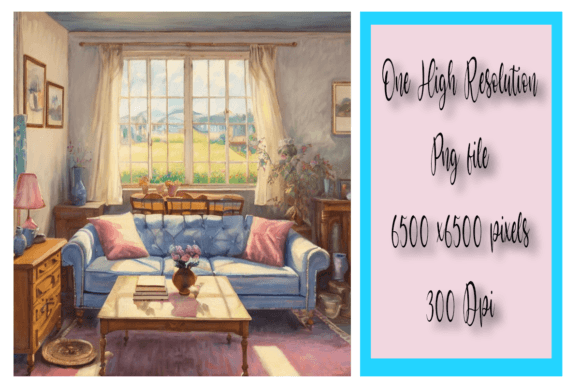
- ☕ 7. Cozy Living Room Scene (by Annie’s AI Art) — High-res 300 DPI watercolor artwork focal point for Lo-Fi study dashboards.
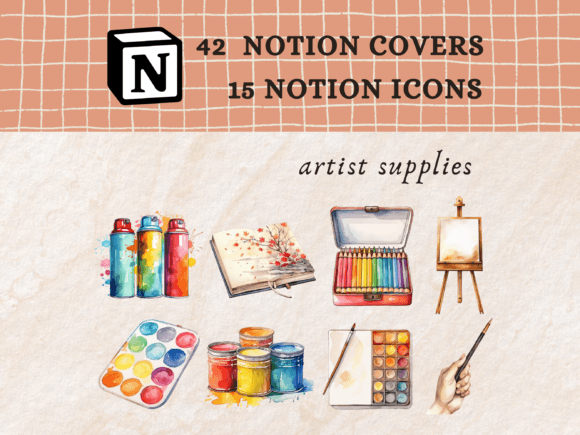
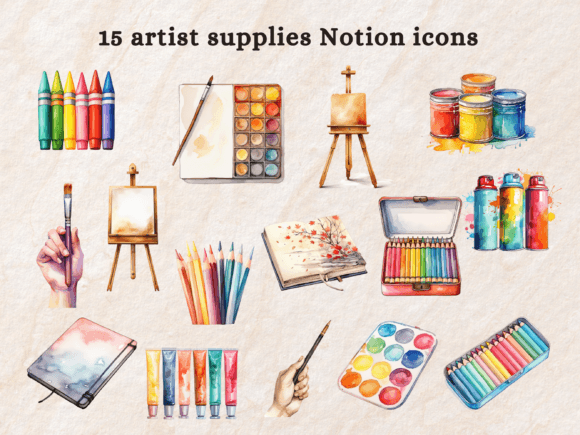
- 🎨 8. Artist Supplies Notion Icons (by Petit Creation Lab) — Artisan hand-drawn studio icons designed for creator portfolios.
- 🐞 9. Flower and Ladybug Notion Icons (by Petit Creation Lab) — Soft cottagecore botanical icons paired with watercolor checker covers.
- 🏛️ 10. Renaissance Notion Icons (by Petit Creation Lab) — Dark academia museum-inspired icon set for literature and study hubs.
Modern 3D & Claymorphic Icon Packs
Tactile claymorphic graphics and volumetric 3D renders that make database tags, project headers, and sales tracking boards pop.
- 🛍️ 11. E-Commerce 3D Icon Pack (by Kentung3D) — Glossy volumetric assets engineered for sales boards and financial summaries.
- 🎃 12. Halloween Claymorphic 3D Icon Pack (by Kentung3D) — Soft tactile clay 3D objects with fully editable Blender materials.
- 📁 13. Folder File Format 3D Icon Pack (by Agung Agung) — Space-themed 3D folder icons designed for master file organization.
- ⚡ 14. Future Technology 3D Icons (by dpopstudio) — Sleek futuristic GLTF/OBJ 3D graphics for IT developers and tech founders.
- 📊 15. Ecommerce Lightweight 3D Icons (by kmgdesignid) — Fast-loading, web-optimized 3D symbols for mobile database tags.
Earthy Tones & Botanical Layouts
Calming desert palettes, sage green accents, and organic terracotta textures made for habit trackers, wellness hubs, and plant care systems.
- 🌵 16. Cactus & Succulent Cover Pack (by amypeniston) — Calm sage and terracotta desert palette covers for plant and habit trackers.
- 🌊 17. Earth, Fire, Sand & Water Elements (by amypeniston) — Grounded 80-cover elemental system with matching tribal line icons.
- 📐 18. Boho Blend Aesthetic Pack (by NotionPlates) — 250+ responsive bohemian covers including editable Canva source templates.
Bold Retro & Y2K Banners
High-saturation mesh gradients, vibrant Y2K neon headers, and groovy 70s floral patterns for expressive creative spaces.
- 🌌 19. Abstract Futuristic Gradient Covers (by amypeniston) — Ambient neon mesh gradient headers for dynamic dark mode framing.
- 🌻 20. Retro Floral Pattern Notion Covers (by Petit Creation Lab) — 70s vintage groovy pattern covers for creative art hubs.
- 🌈 21. SpectraBlend Vibrant Gradient Banners (by ahmetdeveci) — High-saturation mesh gradient banners calibrated for 4:1 framing.
Bonus Bundles & Designer Framework
All-in-one graphic vaults and technical sizing guidelines to keep your entire workspace responsive across desktop and mobile devices.
- 🎁 BONUS #1: The Everything Bundle for Notion Lovers — 1,500+ asset master vault for complete workspace consistency.
- 🎁 BONUS #2: The Notion Customization Bundle — Quick-upgrade pack featuring Canva cover templates and minimalist dividers.
📌 Design Guide: How to Properly Size and Upload Notion Covers
Expert UI framework for 3.5:1 ratios and mobile-safe focal zones.
Like these picks? They’re all included with Creative Fabrica All Access — rated 4.8/5 from 590+ reviews.
Minimalist & Line Art Graphics (The Professional Choice)
If you prefer a clean, clutter-free look, using minimalist aesthetic notion covers helps keep your focus sharp without unnecessary visual distractions.
1. Notion Icons and Covers Bundle by Petit Creation Lab
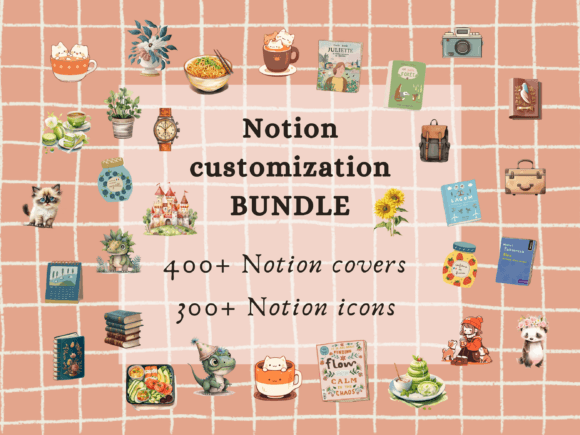
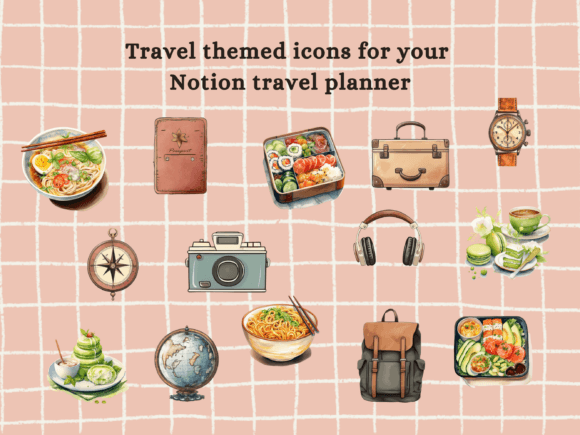
- 🎯 Best for: Power users and creators building multiple thematic Notion hubs who need a complete, all-in-one graphic ecosystem.
- 📋 Key Features: 300+ Notion icons across diverse themes (botanical, travel, stationery, fantasy), 400+ aesthetic covers (abstract, watercolor, gold textures, gingham checks), instant PDF access via Google Drive, PNG format.
- ⚡ Why it rules: From a UI designer’s point of view, this massive library is an absolute game-changer for spatial organization within complex databases. The creator managed to maintain consistent optical weight and padding across over 300 distinct icon assets. Whether you are toggling between a dark-mode habit tracker or a light-mode editorial calendar, the high contrast and crisp edges keep navigation effortless. The covers are thoughtfully pre-cropped, ensuring that complex textures like watercolor and gold leaf don’t collapse into visual artifacting when viewed on mobile screens. It is a masterclass in combining aesthetic charm with zero-latency load times.
2. Checker Notion Covers by Petit Creation Lab
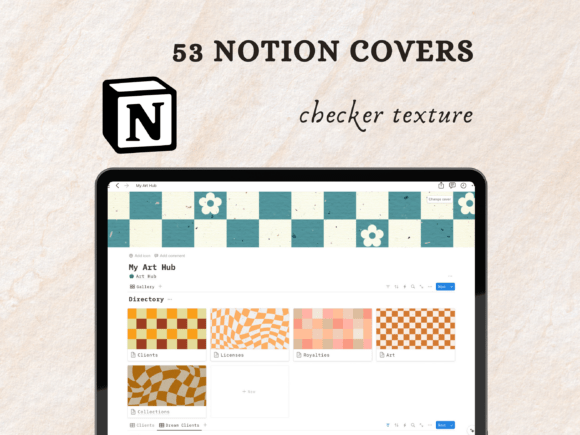
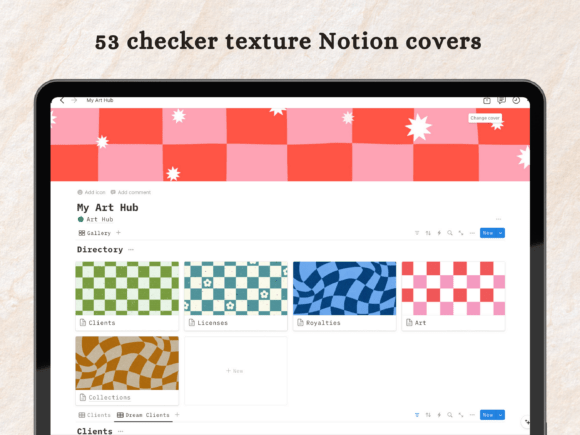
- 🎯 Best for: Minimalists and Y2K aesthetic enthusiasts looking to add a structured, high-contrast monochrome backdrop to their daily workspace.
- 📋 Key Features: 41 high-resolution checker and gingham Notion covers, web-optimized PNG files, crisp geometric patterns.
- ⚡ Why it rules: Geometric patterns like checkers often suffer from moiré effects or visual distortion during dynamic browser scaling. However, this collection is engineered with precise grid spacing optimized specifically for Notion’s 3.5:1 aspect ratio header container. From an ergonomics perspective, the monochrome contrast draws immediate focus to the page content below without competing for cognitive attention. The central placement of the pattern structure ensures that essential details aren’t cut off when switching from a desktop ultra-wide display to an iPad or smartphone layout.
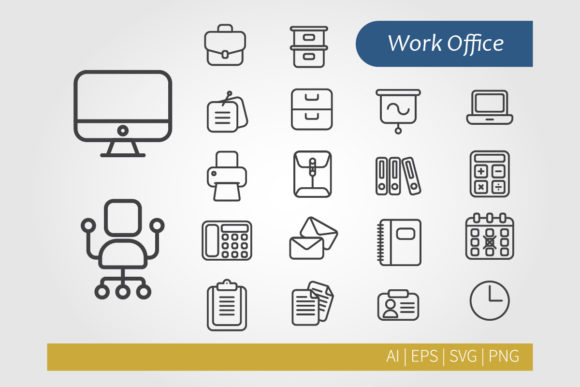
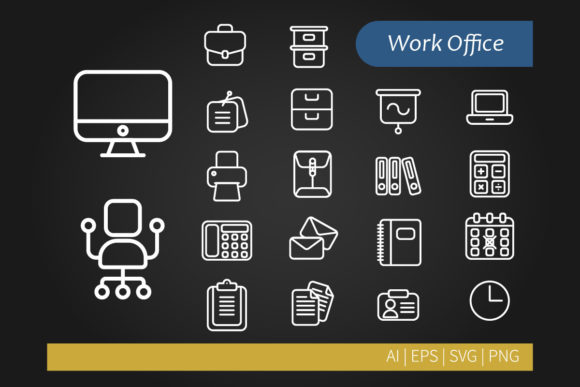
3. Minimalist Work Office Icons by doraDesign
- 🎯 Best for: Freelancers, agency owners, and corporate teams wanting a clean, professional vector icon setup for business dashboards.
- 📋 Key Features: Comprehensive office and work symbol set (briefcase, analytics, hardware, calendars), fully editable vector files (EPS, AI, Photoshop), transparent PNGs.
- ⚡ Why it rules: Executed in a flawless monoline style, this set nails the balance between clarity and modern minimalism. When setting up dense database properties or side-panel navigation lists in Notion, oversized or multi-color icons create visual clutter that slows down decision-making. These icons use consistent pixel stroke weights, maintaining crystal-clear legibility even when rendered at micro-sizes (16×16 pixels) in Kanban board tags. Plus, because they come in fully customizable vector formats, you can quickly tweak stroke colors in Illustrator to match your brand palette perfectly.
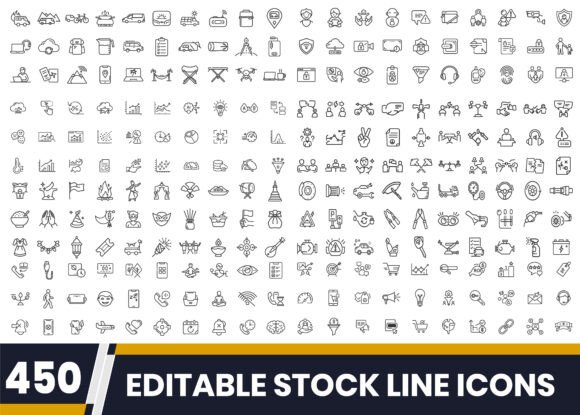
4. Versatile Line Icon Set for Designers by A.H POD Designer
- 🎯 Best for: UI/UX designers, creative directors, and digital product managers who appreciate strict architectural line work.
- 📋 Key Features: 450 premium outline icons, fully scalable vector assets, unified stroke hierarchy, web-ready PNG and vector formats.
- ⚡ Why it rules: A library of 450 items can easily become a mismatched mess, but this bundle stands out for its meticulous grid-aligned layout design. The stroke geometry is razor-sharp, featuring uniform corner rounding that looks sleek against both Notion’s standard light canvas and dark mode UI. From a user experience standpoint, the high legibility of these vector line art icons reduces cognitive fatigue during long sessions of deep work. It’s an essential toolkit for anyone looking to build an enterprise-level Notion system that looks like a custom-designed native SaaS app.
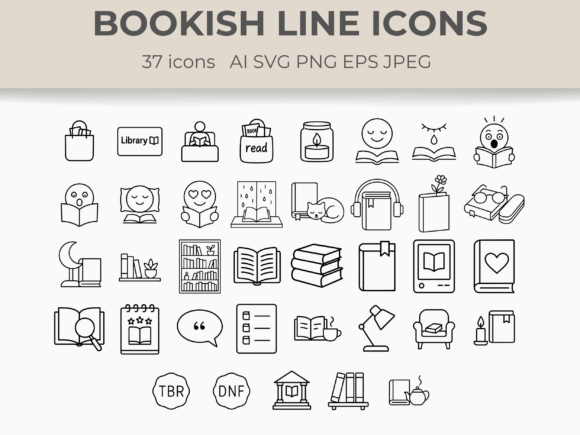
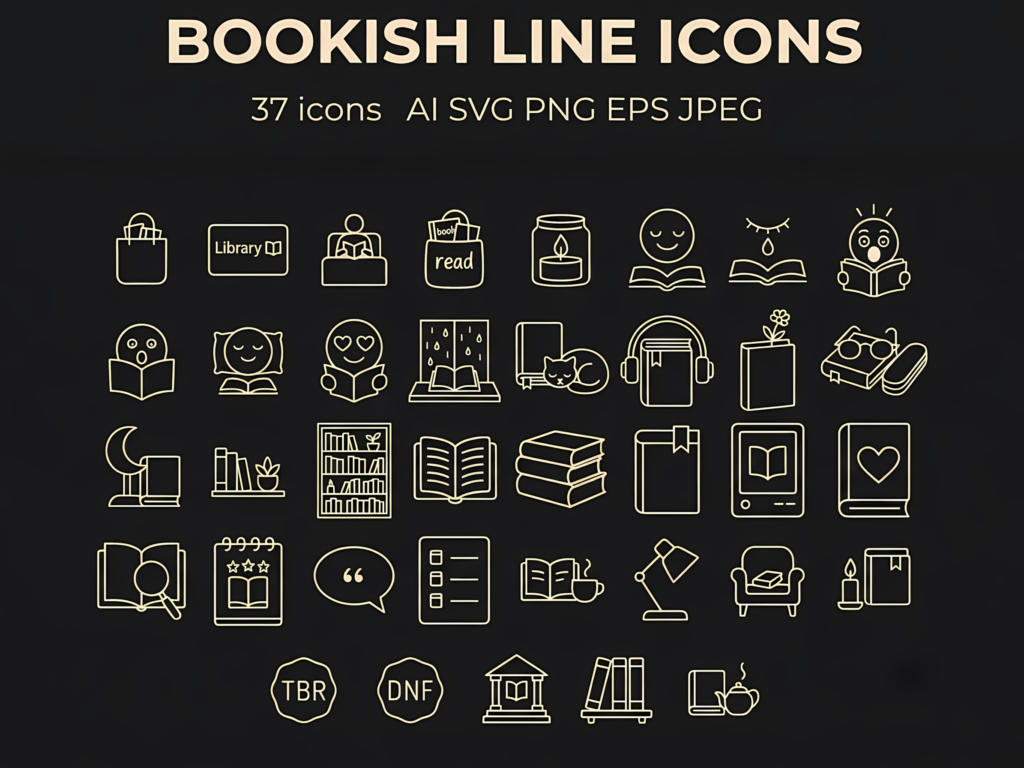
5. Book & Reading Vector Line Art Set SVG by CozyNest Studio
- 🎯 Best for: Bookworms, students, and creators building cozy reading logs, digital journals, or academic libraries in Notion.
- 📋 Key Features: Bookish vector line art illustrations, high-resolution SVG and PNG formats, transparent backgrounds, minimalist black line aesthetic.
- ⚡ Why it rules: CozyNest Studio perfectly captures the warm, intellectual vibe of a personal study without resorting to heavy, distracting color palettes. The organic, hand-drawn quality of the lines provides a subtle tactile contrast to Notion’s rigid digital grids. Because these line-art vectors are light on detail density, they function brilliantly as custom category markers for reading trackers, wishlist databases, or subject dividers. The SVGs scale seamlessly without loss of fidelity, maintaining smooth anti-aliased curves on high-DPI Retina displays.
🎁 Claim Your First 10 Asset Packs for Free Want to test-drive these designs before committing? Creative Fabrica offers a risk-free trial that includes 10 free downloads—more than enough to instantly grab 2–3 of the complete cover and icon bundles from this guide (like the Notion Icons & Covers Bundle or the 3D Icon Sets) without paying anything upfront. You can cancel anytime. Activate Your 10 Free Downloads Trial →
Cozy & Anime-Inspired Aesthetics (Studio Ghibli & Lo-Fi Vibes)
Warm watercolor textures, Studio Ghibli-inspired art, and relaxing Lo-Fi visuals crafted for student dashboards and personal daily planners.
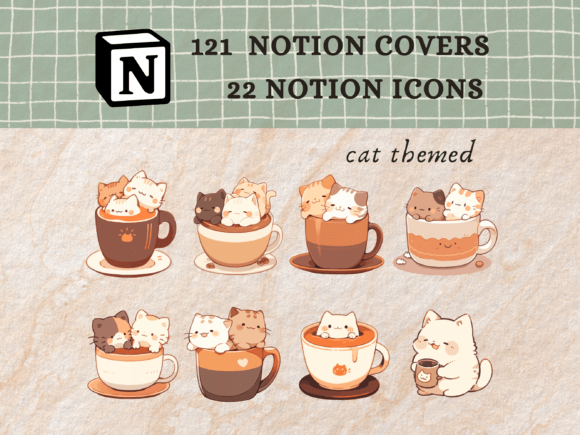
6. Cat Notion Icons, Notion Covers Pack by Petit Creation Lab
- 🎯 Best for: Students, cozy lifestyle bloggers, and cat lovers who want to create a warm, relaxing, and aesthetically pleasing personal dashboard.
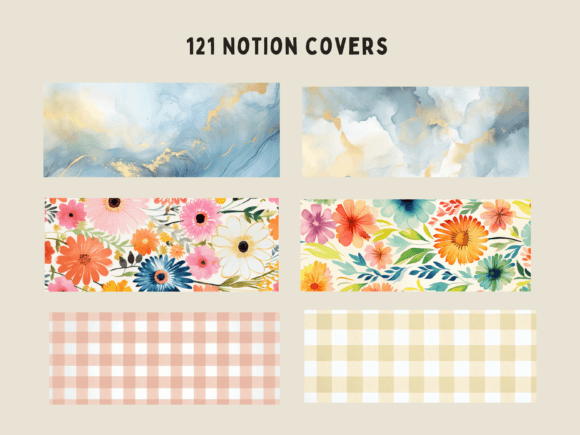
- 📋 Key Features: 22 cat-themed PNG icons, 121 aesthetic covers (20 checker, 27 gingham texture, 16 blue and gold watercolor, 58 floral designs), instant ZIP download.
- ⚡ Why it rules: Creating a workspace that reduces cognitive fatigue during study or planning sessions requires thoughtful color choices and non-intrusive elements. This pack balances playfulness with visual discipline. The cat-themed icons maintain clean line boundaries, ensuring they remain recognizable even as small database properties without overwhelming the workspace hierarchy. Meanwhile, the vast collection of covers—ranging from structured gingham to soft watercolor textures—allows users to build a harmonious palette where headers subtly ground the page content rather than competing with it for visual attention.
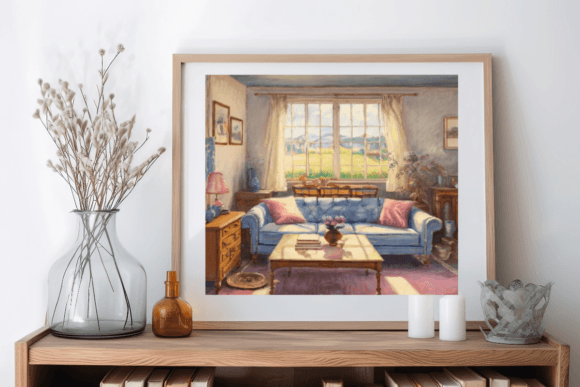
7. Cozy Living Room Scene by Annie’s AI Art
- 🎯 Best for: Digital journalers, cozy study hub creators, and Notion power users seeking a rich, artistic focal point for their main dashboard header.
- 📋 Key Features: 1 high-resolution digital art piece (6500 x 6500 px at 300 DPI), masterfully painted in watercolor and ink style, instant PNG download.
- ⚡ Why it rules: While simple patterns work great for functional databases, main hub dashboards often benefit from an immersive visual anchor that sets the emotional tone for your workflow. From an aesthetic UX standpoint, this high-resolution watercolor artwork offers exceptional texture depth without feeling noisy. Because of its ultra-high resolution, you can crop and position it within Notion’s 3.5:1 header container to highlight either the soft sunlight window or the cozy armchair, creating a calm, atmospheric backdrop that instantly shifts your mindset into a focused, relaxed state.
8. Artist Supplies Notion Icons by Petit Creation Lab
- 🎯 Best for: Digital creators, illustrators, and art students who want to organize their creative portfolios, art journals, and project hubs in style.
- 📋 Key Features: 15 hand-drawn artist supplies PNG icons, 42 checker pattern PNG covers, instant ZIP download.
- ⚡ Why it rules: For creative professionals, a sterile corporate interface can feel uninspiring. This collection introduces an organic, hand-crafted charm that contrasts beautifully with Notion’s rigid grid architecture. The artist supply icons are optically balanced so that brush strokes, paint palettes, and stationery tools remain sharp and recognizable even when rendered at micro-sizes in list views. Combined with the structured monochrome checker covers, the set creates a sophisticated “studio workspace” feel, giving your creative workflow a tactile, artisan-inspired atmosphere.
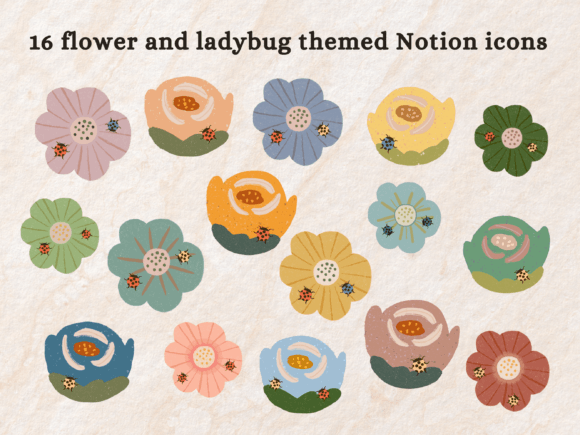
9. Flower and Ladybug Notion Icons by Petit Creation Lab
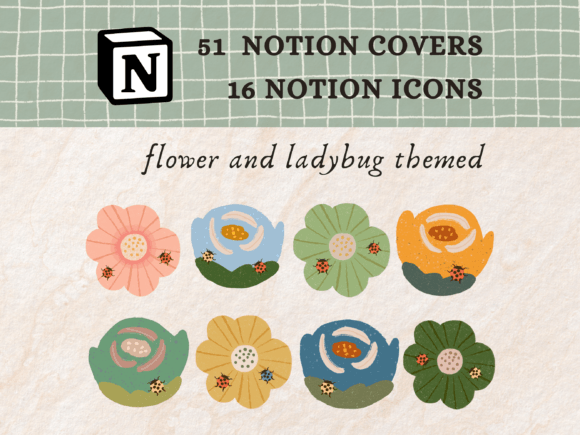
- 🎯 Best for: Gardeners, plant lovers, and cottagecore enthusiasts looking for a soft, nature-inspired visual theme for habit trackers and journals.
- 📋 Key Features: 16 hand-drawn flower and ladybug PNG icons, 51 hand-drawn checker and watercolor checker PNG covers, instant ZIP download.
- ⚡ Why it rules: Designing a soothing digital space relies heavily on organic lines and earthy, soft tones. This pack excels at adding a touch of cottagecore aesthetic without sacrificing UI clarity. The hand-drawn icons feature gentle color saturation that seamlessly integrates with both light and dark mode backgrounds without jarring contrast. Paired with the hand-painted watercolor checker covers, this bundle provides a cohesive design system that turns routine daily check-ins and gardening logs into a delightful visual experience.
These dark academia and cozy aesthetic icons pair exceptionally well with academic hubs. If you are setting up a workspace for the semester, explore our top picks for aesthetic Notion student planner templates
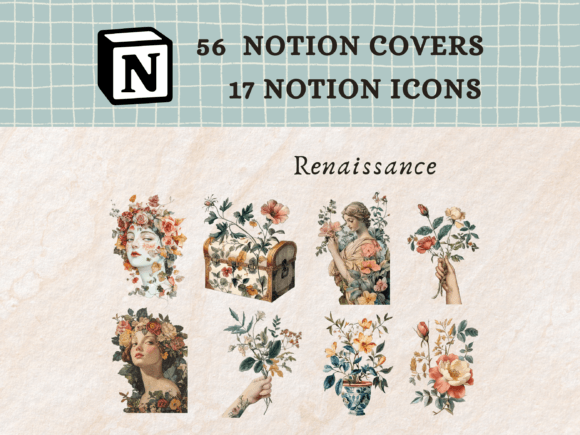
10. Renaissance Notion Icons by Petit Creation Lab
- 🎯 Best for: Bookworms, dark academia fans, and writers building dedicated reading logs, literature trackers, or personal reflection hubs.
- 📋 Key Features: 17 classical Renaissance-themed PNG icons, 56 watercolor and acrylic texture PNG covers, instant ZIP download.
- ⚡ Why it rules: If your Notion workspace leans toward a dark academia or classical literature theme, standard minimalist vector icons often fall flat. This collection delivers a sophisticated, museum-inspired aesthetic. The icons translate classical motifs into functional digital indicators that maintain high legibility against Notion’s default typography. Combined with rich, tactile acrylic and watercolor texture covers, this pack brings an intellectual depth to your reading trackers, making digital book logging feel like opening a treasured leather-bound journal.
💡 Pro Tip: All featured graphic packs, covers, and 3D icon sets are available for unlimited download with Creative Fabrica All Access (rated 4.8/5 by 590+ creators).
Modern 3D & Claymorphic Icon Packs
Tactile claymorphic graphics and volumetric 3D renders that make database tags, project headers, and sales tracking boards pop.
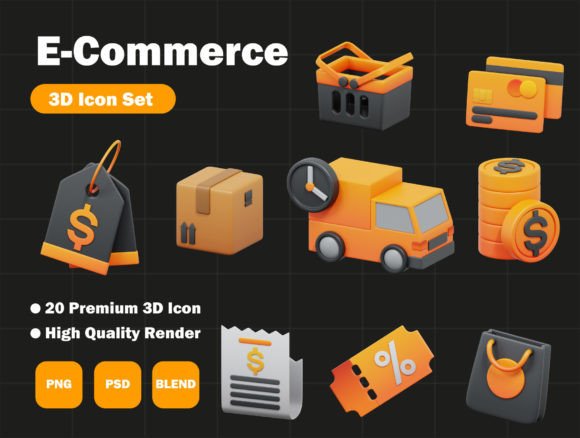
11. E-Commerce 3D Icon Pack by Kentung3D
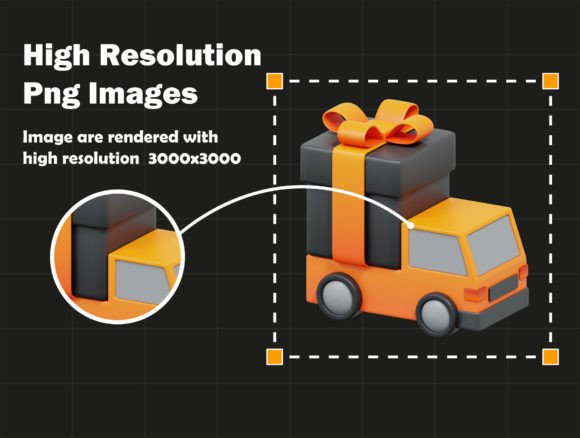
- 🎯 Best for: Digital entrepreneurs, startup founders, and e-commerce managers building high-converting Notion business hubs and sales trackers.
- 📋 Key Features: High-resolution 3D renders (3000x3000px), customizable materials & textures via Blender (.blend), layered PSD and transparent PNG formats.
- ⚡ Why it rules: Adding volumetric elements to a Notion dashboard can easily compromise visual hierarchy if the lighting and shadows are not meticulously calibrated. This pack excels in material fidelity: the smooth glossy finish and subtle ambient occlusion mimic modern iOS/SaaS design languages. When placed at the top of database views or financial summary blocks, these 3D icons act as instant visual anchors. They allow your brain to navigate complex e-commerce metrics at a glance without reading small sub-headers. Furthermore, having native Blender and PSD source files lets you adjust material colors to match your exact brand palette.
12. Halloween 3D Icon Pack by Kentung3D
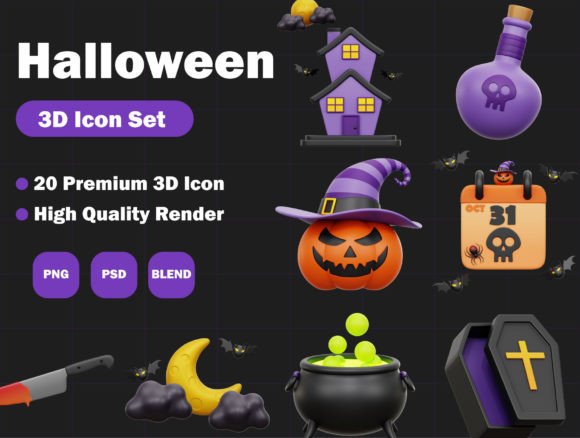
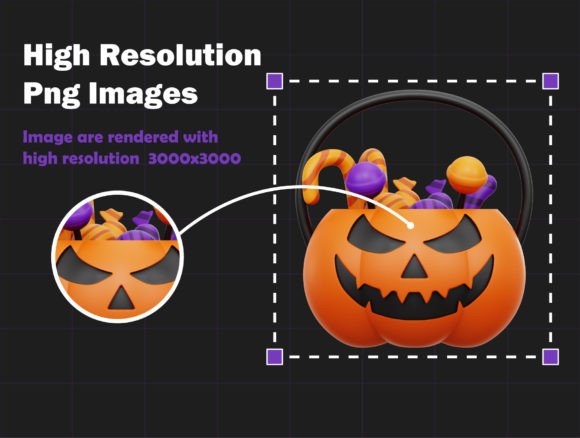
- 🎯 Best for: Creative directors, content creators, and dark-mode Notion enthusiasts who want playful, tactile 3D assets with customizable clay textures.
- 📋 Key Features: High-resolution 3D objects (3000x3000px), editable Blender scene (.blend), organized PSD layers, transparent PNGs.
- ⚡ Why it rules: Don’t let the seasonal name fool you—underneath the theme lies a masterclass in modern claymorphic rendering. By opening the included .blend file, you can strip away the spooky color palettes and apply clean pastel or monochrome shaders. From a UI/UX standpoint, the soft rounded geometry and realistic subsurface scattering give these assets a tactile, tactile “clay” feel. They stand out exceptionally well against dark backgrounds, providing maximum optical contrast when organizing creative project databases or event calendars in Notion dark mode.
13. Folder File Format 3D Icon Pack by Agung Agung
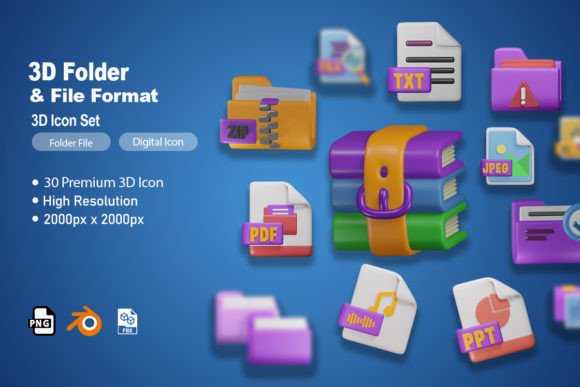
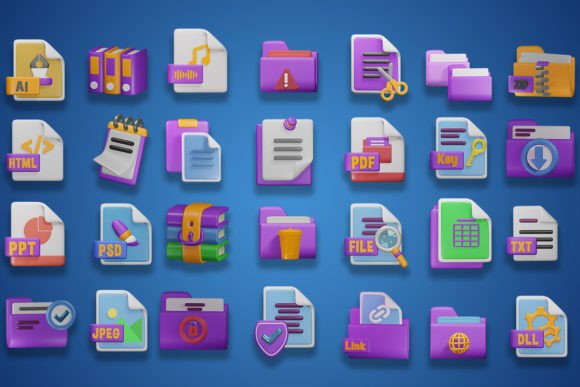
- 🎯 Best for: Knowledge managers, students, and power users building structured master dashboards (Main Dashboards) and file organization systems.
- 📋 Key Features: Space-themed 3D file and folder icons, high-resolution renders (2000x2000px), source formats: Figma, Blender, FBX, PSD, PNG.
- ⚡ Why it rules: The classic folder icon is the universal signpost of digital file architecture, but standard 2D flat icons can look dull on a modern workspace header. This collection reinterprets file formats with a charming, tactile 3D aesthetic. The smooth edge bevels prevent visual noise, making the folders instantly recognizable even when scaled down to mini gallery cards or table views. Direct integration with Figma allows you to seamlessly drag and drop assets into your Notion workspace prep files, while the balanced drop shadows create a subtle depth effect that makes your dashboard feel like a premium custom application.
14. Future Technology – 3D Icons by dpopstudio
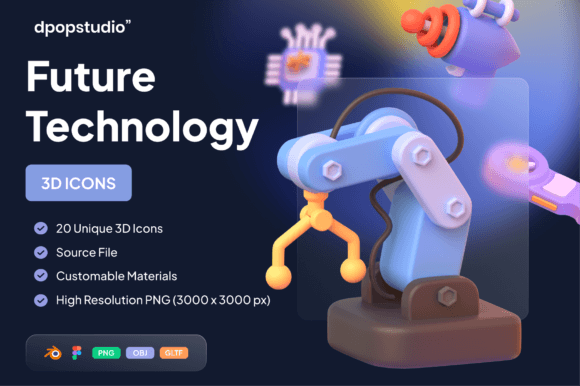
- 🎯 Best for: Tech founders, IT specialists, AI developers, and crypto traders creating futuristic, high-tech workspaces in Notion.
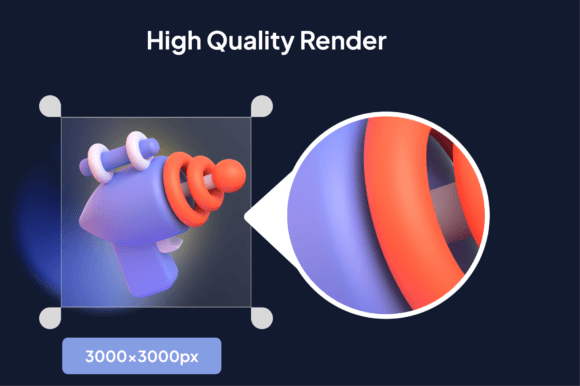
- 📋 Key Features: 20 ready-to-use tech-themed 3D objects (3000x3000px), GLTF, OBJ, Blend, PNG formats, seamless Figma compatibility.
- ⚡ Why it rules: High-tech dashboards often suffer from over-designed graphics that draw attention away from actual data. Dpopstudio solves this by utilizing sleek, futuristic geometry with clean directional lighting. The specular highlights are crisp without being distracting, ensuring that icons for hardware, AI networks, and cloud databases maintain maximum legibility against dense data grids. With GLTF and OBJ support included, technical creators can easily integrate these assets into interactive web prototypes or embed them directly as responsive covers and icons across tech hubs.
For high-performance business databases and client portals, clean 3D assets keep your dashboards sharp. If you handle client pipelines, be sure to read our review of the best Notion templates for freelancers and agency owners.
15. Ecommerce 3D Icons Set by kmgdesignid


- 🎯 Best for: Freelancers, agency team leads, and shop owners needing a lightweight, instantly usable suite of 3D business graphics.
- 📋 Key Features: Compact 3D business and shopping symbol set, web-optimized PNG files, high contrast color palette, transparent backgrounds.
- ⚡ Why it rules: When managing multi-page databases on mobile devices, oversized image assets can cause noticeable loading latency. This set is lightweight and pre-optimized for rapid web rendering. The color saturation is dialed in specifically to complement neutral UI backdrops, providing a vibrant pop of color without causing chromatic aberration on Retina screens. It’s the ideal choice for quick visual tagging across sales funnel boards, client CRM pipelines, and product inventory lists in Notion.
💡 Pro Tip: All featured graphic packs, covers, and 3D icon sets are available for unlimited download with Creative Fabrica All Access (rated 4.8/5 by 590+ creators).
Earthy Tones & Botanical Layouts (Warm Aesthetic)
Calming desert palettes, sage green accents, and organic terracotta textures made for habit trackers, wellness hubs, and plant care systems.
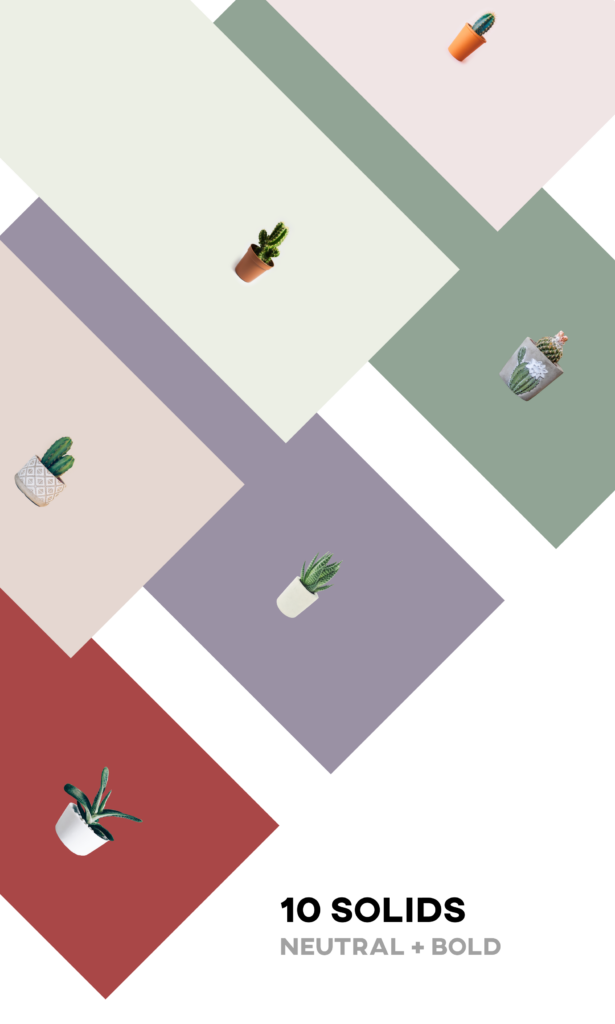
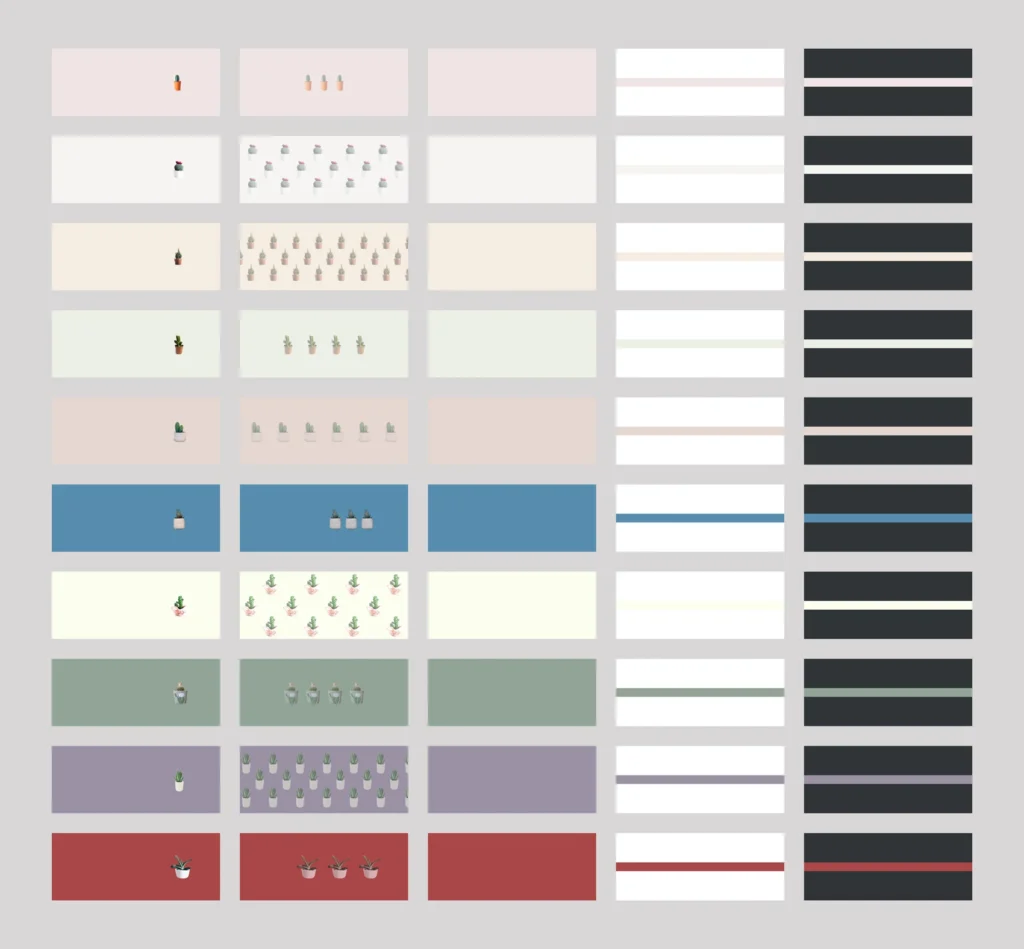
16. Notion Covers (Pack #2) — Cactus & Succulent Pack by amypeniston
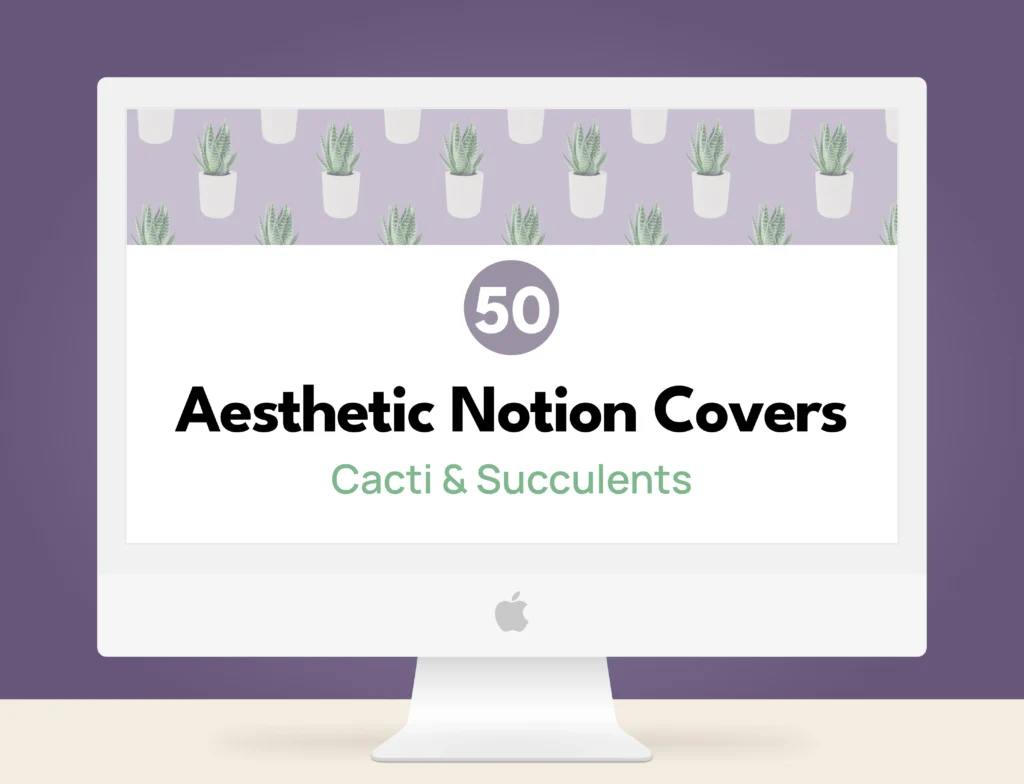
- 🎯 Best for: Botanical lovers, plant moms, and eco-conscious habit trackers who want a soothing, natural desert aesthetic for their daily Notion dashboards.
- 📋 Key Features: 50 high-resolution Notion covers (10 solid background + succulent illustration, 10 pattern covers, 30 matching solid accent covers), optional upgrade for 140 matching Notion icons.
- ⚡ Why it rules: Integrating natural motifs into a digital workspace requires a precise color balance to avoid visual chaos. Amy Peniston masterfully executes this with a refined palette of sage greens, dusty terracottas, and soft sandy neutrals. The subtle illustration lines and calm background saturation prevent visual noise, allowing database headers to ground the page without drawing attention away from your task lists. Whether you’re tracking daily hydration or organizing plant care schedules, this pack brings a calming, tactile greenery vibe to both light and dark mode layouts.
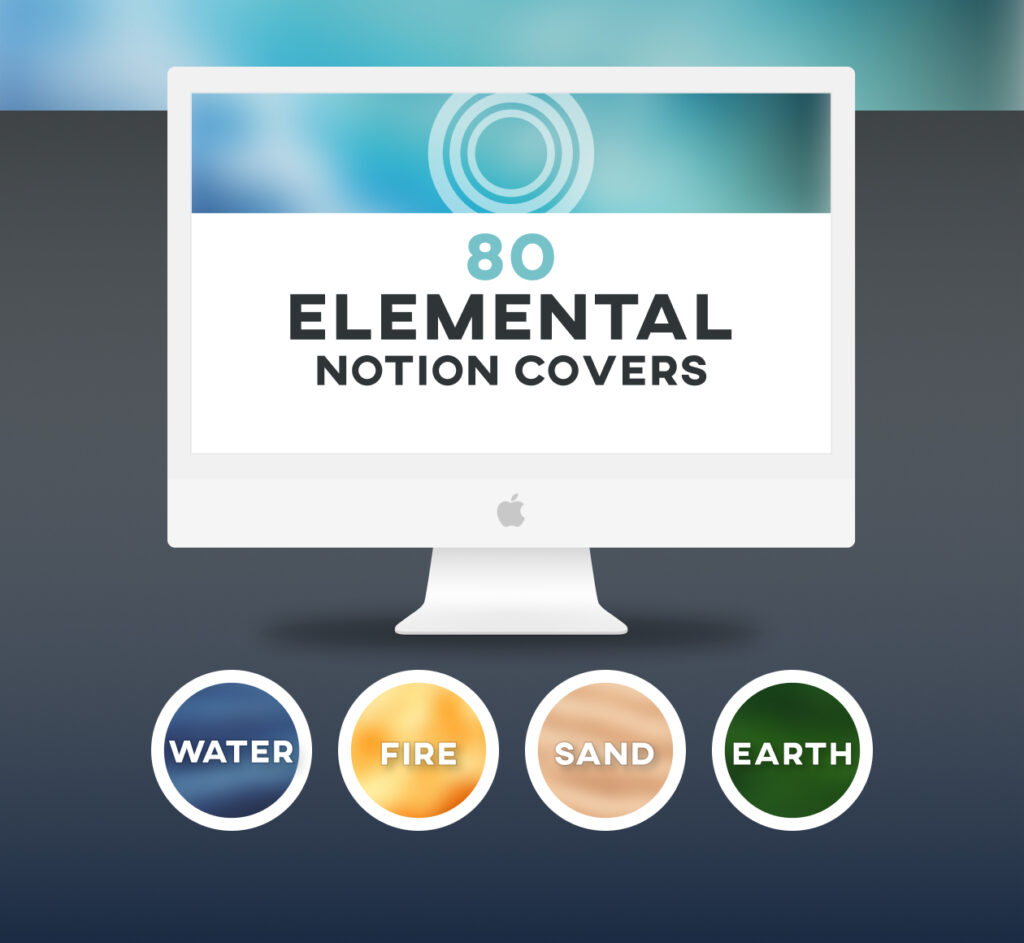
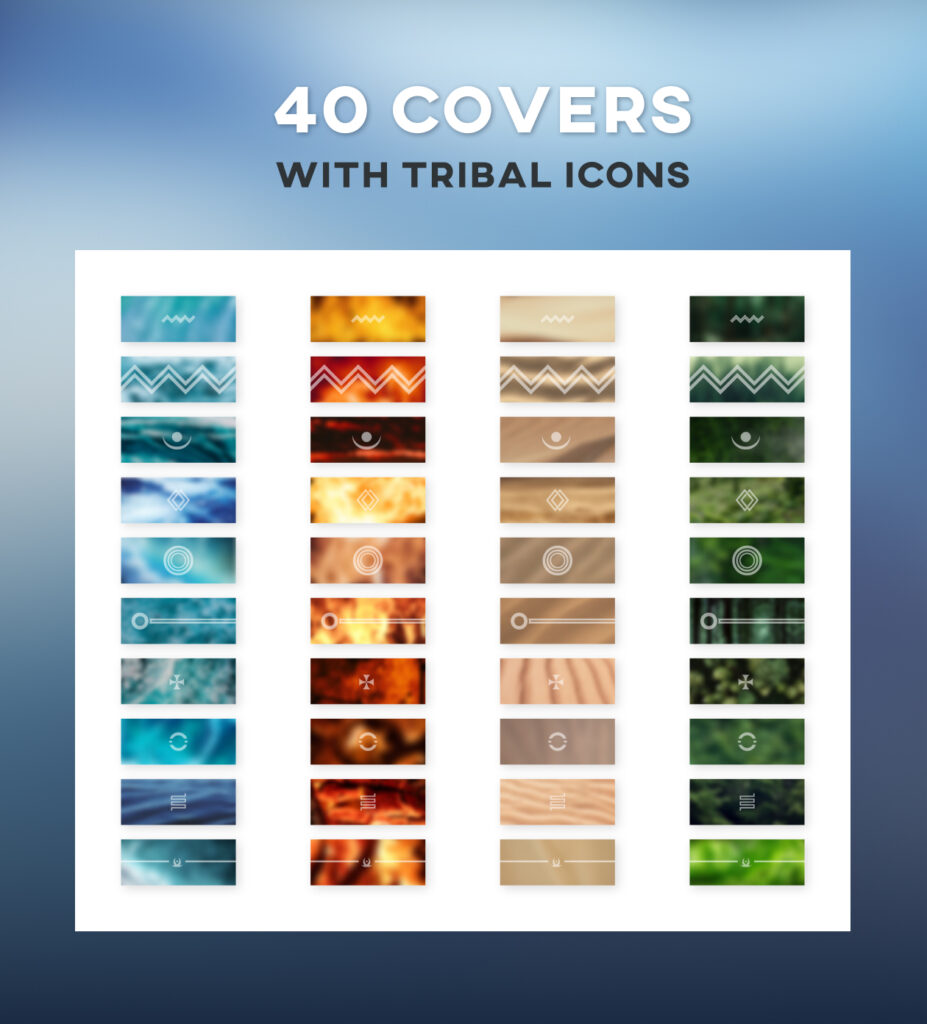
17. Notion Covers (Pack #4) — Earth, Fire, Sand & Water Elements by amypeniston
- 🎯 Best for: Minimalist planners, wellness coaches, and digital nomads seeking an elemental, earthy-toned design system with subtle tribal accents.
- 📋 Key Features: 80 elemental Notion covers split across 4 distinct themes (Earth, Fire, Sand, Water), 10 unique tribal vector icons, full light and dark mode support.
- ⚡ Why it rules: Designing a workspace around organic elements demands strong contrast control, especially when switching between light and dark backgrounds. This pack leverages warm ochres, deep clay reds, and serene slate blues that retain their rich chromatic texture under any lighting mode. From a UX standpoint, the accompanying tribal icons feature clean, geometric line weights that maintain optical crispness even when rendered at micro-sizes in database properties. It’s the ultimate toolkit for building a grounded, distraction-free environment for journaling or project tracking.
18. Notion Covers: Boho Blend — Bohemian Page Aesthetic Pack by NotionPlates
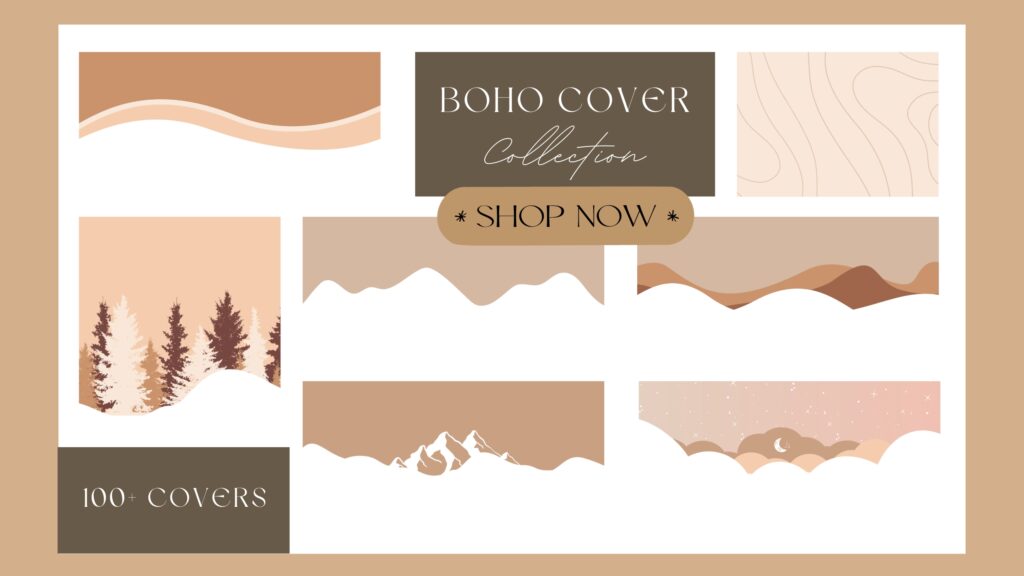
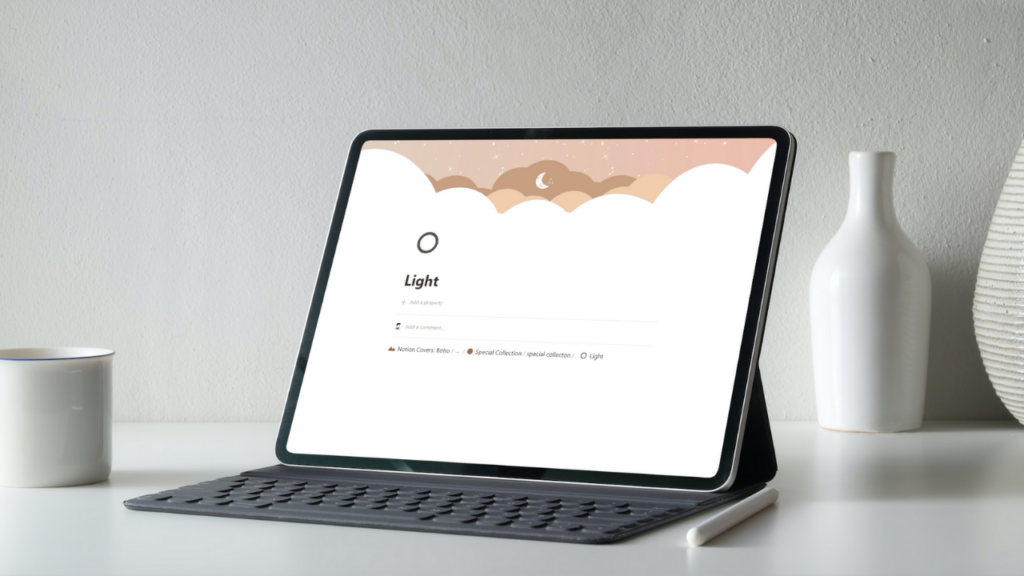
- 🎯 Best for: Interior design enthusiasts, bohemian lifestyle bloggers, and students who love warm beige, terracotta, and organic minimalist textures.
- 📋 Key Features: 250+ high-definition Notion covers, fully responsive across all desktop and mobile devices, includes Canva source template for custom color edits.
- ⚡ Why it rules: When managing large, multi-level Notion workspaces, having a cohesive visual system across every child page is crucial for seamless navigation. With over 250 handcrafted covers in a warm boho palette, this pack eliminates visual fragmentation. The smooth color transitions and organic shapes create an inviting, magazine-like aesthetic that reduces cognitive fatigue during long study sessions. The inclusion of an editable Canva link is a huge bonus, allowing power users to tweak line art and background tones to perfectly match their custom database setups.
💡 Try These Packs Risk-Free! New to Creative Fabrica? Activate your trial today to get 10 free downloads. That’s enough to unlock multiple complete cover and icon sets featured in this article at no cost. 👉 Claim 10 Free Assets Now →
Bold Retro & Y2K Banners
For creators who love vibrant Y2K tones and retro patterns, these aesthetic notion covers bring personality and energy to dynamic dashboards.
19. Notion Covers (Pack #3) — Abstract Futuristic Gradient (by amypeniston)
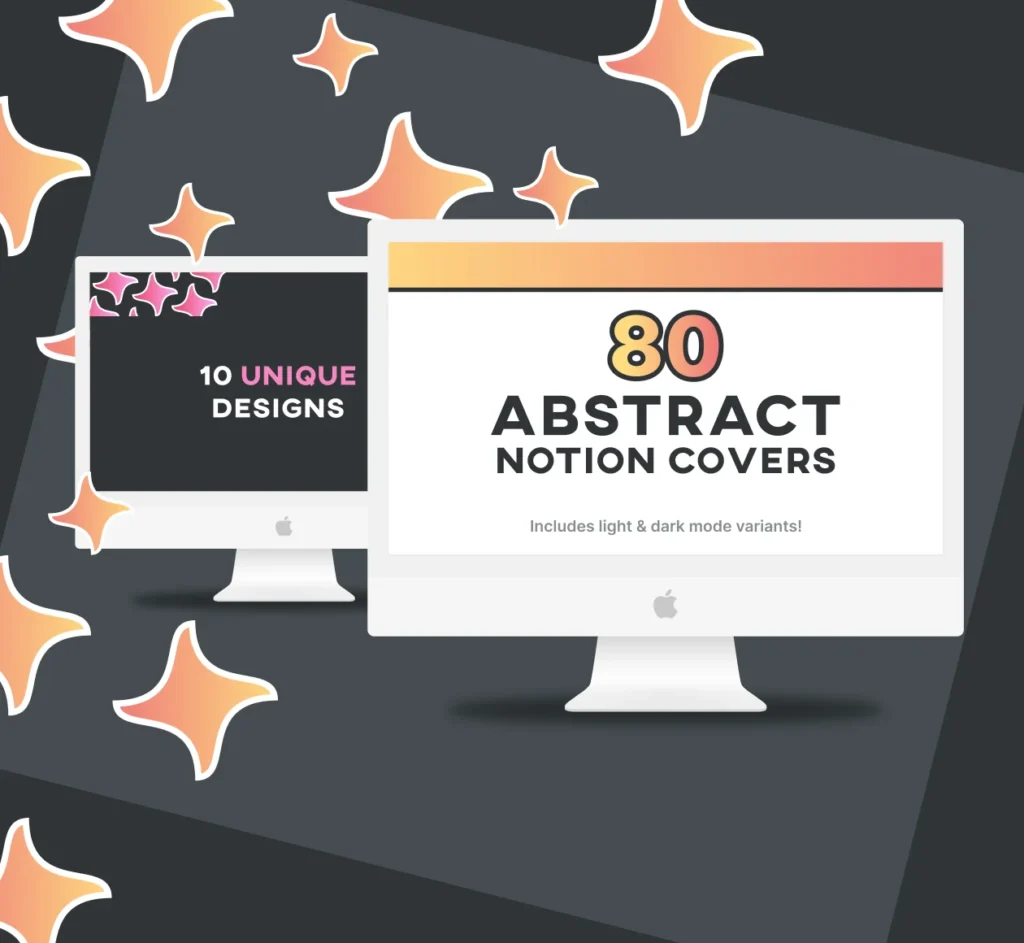
- 🎯 Best for: Futuristic, Y2K-inspired, or high-contrast modern workspaces.
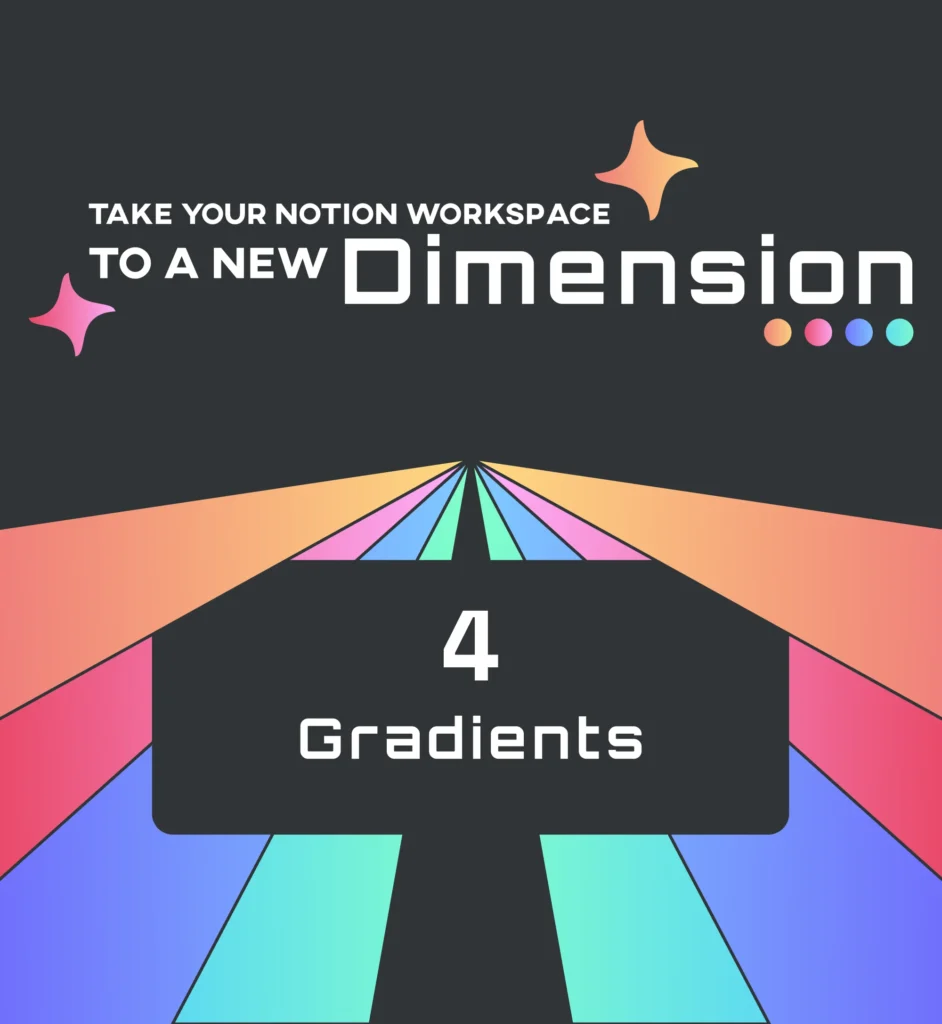
- 📋 Key Features: 80 total covers (4 gradient colorways, 10 unique abstract designs, dark & light mode variants); optional extended pack includes 70 matching gradient icons; optimized for Notion cover dimensions.
- ⚡ Why it rules: What immediately catches my eye as a designer is the subtle play with color transitions and light depth. The retro-futuristic gradient mesh isn’t just visually striking—it strikes a rare balance where the blur radiuses and hue shifts don’t distract your focus or trigger visual fatigue when scanning through heavy database views. In dark mode, the rich luminescence creates a sleek ambient frame around your content, grounding your top navigation without overpowering your typography or page elements.
20. Retro Floral Pattern Notion Covers by Petit Creation Lab
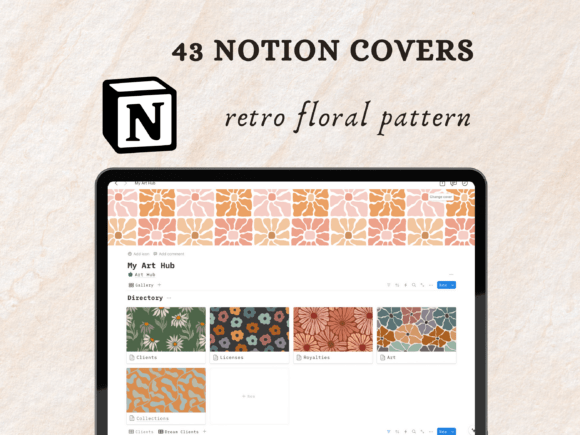
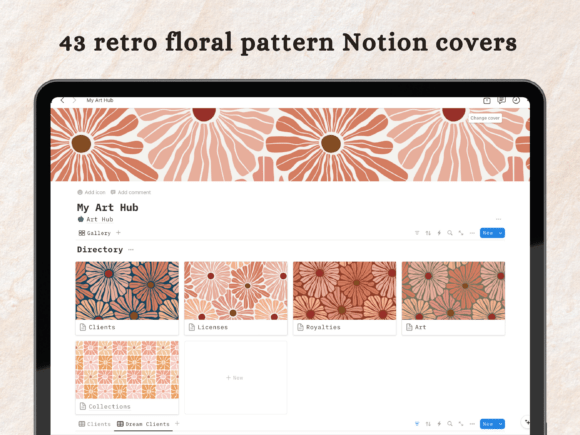
- 🎯 Best for: Vintage lovers, artists, and lifestyle creators wanting a warm, 70s groovy floral aesthetic for their creative art hubs and daily planners.
- 📋 Key Features: 43 high-resolution retro floral pattern covers in web-optimized PNG format, instant ZIP access via PDF delivery.
- ⚡ Why it rules: Geometric and organic retro patterns from the 70s often struggle with visual clutter on digital screens. However, this collection balances nostalgia with modern UI clarity. The muted mustard, terracotta, and olive color palettes are muted enough so they don’t compete with page titles or database views. From an ergonomic standpoint, the repeating pattern layout ensures seamless edge-to-edge scaling across ultra-wide monitors and tablet screens without awkward cropping artifacts, giving your workspace a warm, handcrafted studio feel.
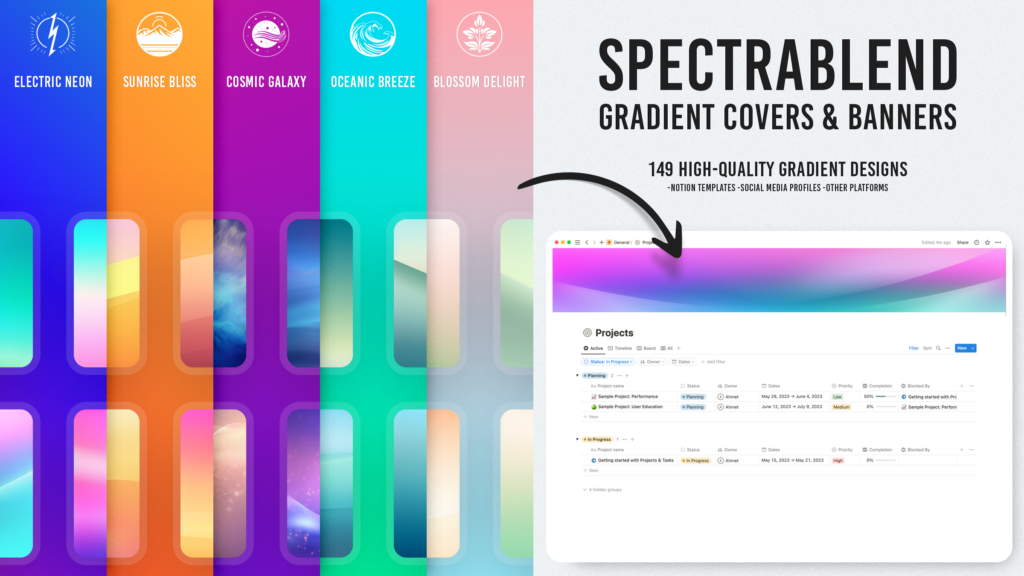
21. SpectraBlend: Vibrant Gradient Collection — Notion Covers & Banners (by ahmetdeveci)
- 🎯 Best for: High-energy creative portfolios, mood boards, and neon-themed workspace layouts.
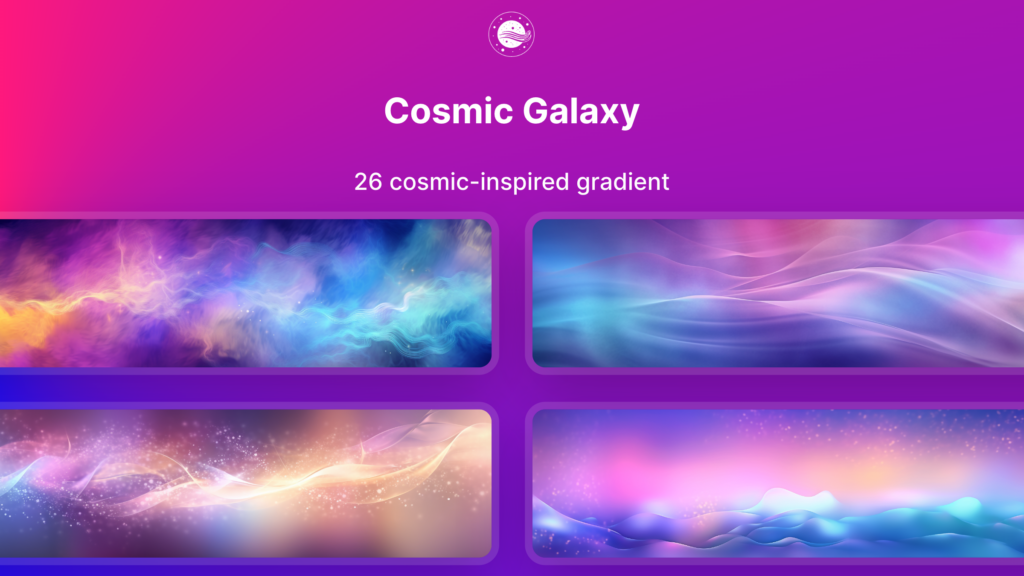
- 📋 Key Features: 149 high-resolution gradient covers across 5 themed categories (Electric Neon, Cosmic Galaxy, Blossom Delight, Oceanic Breeze, Sunrise Bliss); exact 4:1 banner aspect ratio optimized for Notion header framing.
- ⚡ Why it rules: The aspect ratio calibration on this set is spot-on—no awkward cropping artifacts or misplaced focal points when you resize your browser window. Specifically, the Electric Neon collection masters high-saturation color theory: the smooth mesh gradients retain clean contrast against dark UI chrome while steering clear of dirty mid-tone muddying. It acts as an instant visual anchor at the top of your page, guiding the user’s focus straight into the core database view below without creating visual noise.
🎁✨ BONUS #1: The Everything Bundle for Notion Lovers
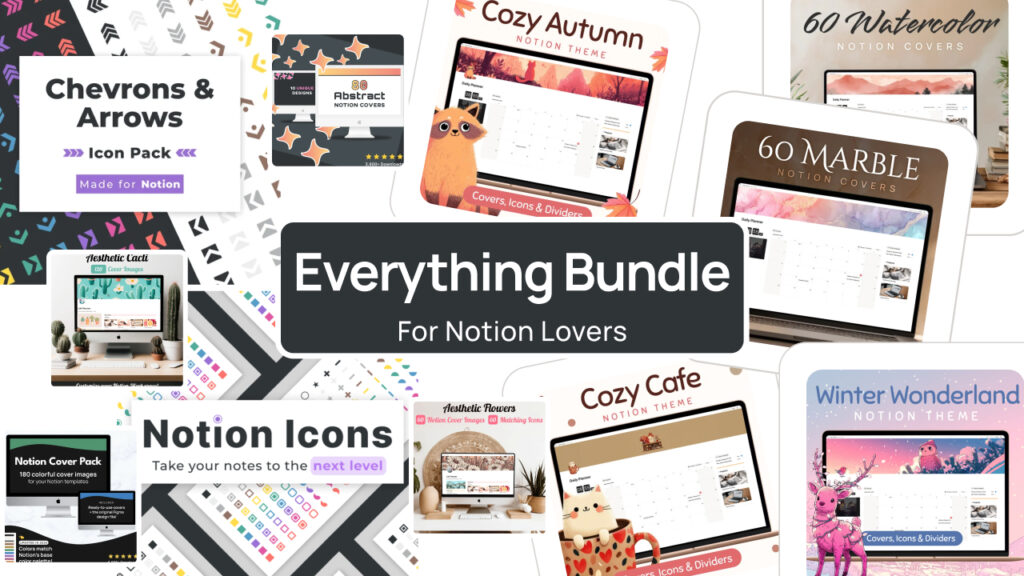
As a designer, I always tell clients the same thing: consistency is what separates an “aesthetic” workspace from a random collection of pretty images. This bundle solves that problem in one click.
I’ve tested a lot of Notion cover packs, and this is the rare one that actually delivers on scale AND quality. You’re getting six full collections — over 500 covers and 1,000+ icons — spanning everything from bold gradients to soft watercolor and marble textures, all built specifically for Notion’s dimensions and color modes. No stretching, no cropping, no guessing.
What sold me: the ratings aren’t inflated. 239+ verified reviews averaging 4.9★ across the core packs — that’s real designer-to-user trust, not marketing fluff.
At $29.99 instead of $64, you’re paying less than $0.06 per asset for a system that would take you 20+ hours to build from scratch in Canva or Figma. If you only buy one thing to instantly upgrade your Notion setup, make it this.
🎁✨ BONUS #2: The Notion Customization Bundle
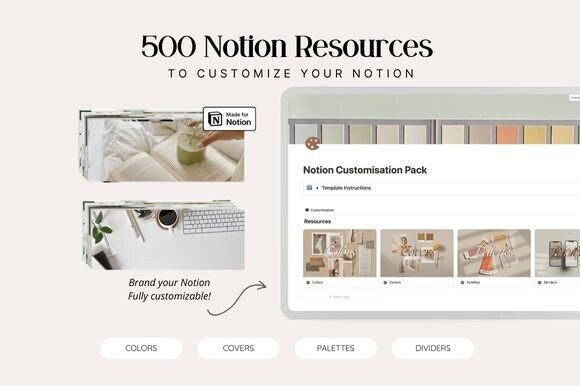
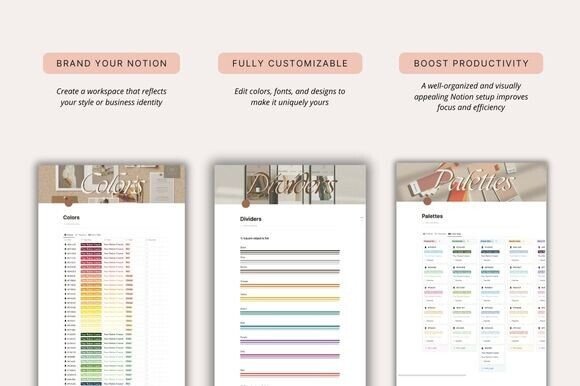
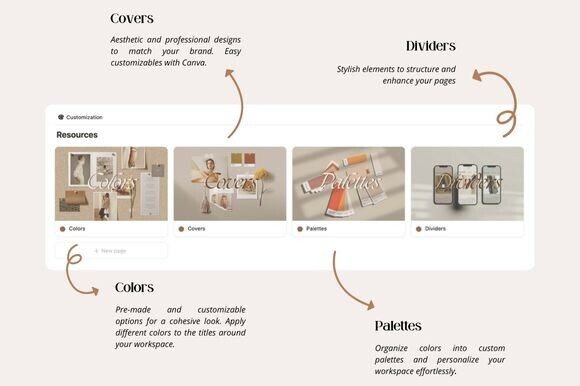
One thing I always tell clients: covers alone don’t make a workspace look “designed” — it’s the small connective details, like dividers and consistent branding elements, that turn a page into a system.
That’s exactly what the Notion Customization Bundle delivers. It’s a compact, no-fluff pack built around two things every polished dashboard needs: professionally designed covers you can customize directly in Canva, and clean minimalist dividers that instantly kill that “default template” look.
At $2.50, it’s less an investment than an easy upgrade — but don’t let the price fool you. This is a 5-star rated pack with hundreds of designers already saving it for their own workspaces. If your goal is a cohesive, branded Notion setup without spending hours in a design tool, this is the fastest way to get there.
💡 Pro Tip: All featured graphic packs, covers, and 3D icon sets are available for unlimited download with Creative Fabrica All Access (rated 4.8/5 by 590+ creators).
📌Design Guide: How to Properly Size and Upload Notion Covers
As a UI/UX designer who has built dozens of custom Notion workspaces for clients and remote teams, I’ve seen firsthand how a poorly cropped cover can ruin an otherwise immaculate layout.
Unlike standard web banners, Notion handles visual assets dynamically. Understanding how the platform scales images across devices is the secret to keeping your dashboard looking sharp and intentional. Here is my exact workflow and design framework for applying Notion covers flawlessly.
To ensure your aesthetic notion covers look crisp on both mobile devices and wide desktop monitors, always keep the recommended 3.5:1 ratio in mind
The Golden Dimensions: Sizing Your Notion Covers
While Notion accepts almost any high-resolution image, feeding it random dimensions often leads to unexpected pixelation or awkward cropping.
- Recommended Resolution: 1500 × 430 pixels (minimum) up to 1920 × 550 pixels for Ultra-HD/Retina displays.
- Target Aspect Ratio: 3.5:1
- File Format: PNG (for sharp line art, icons, and text) or JPG (compressed under 5MB for complex artwork and photography to maintain quick page load speeds).
The Responsive Dilemma: Mobile vs. Desktop Viewports
The biggest UX challenge with Notion covers is adaptive cropping. Notion doesn’t shrink your cover image proportionally; it clips it depending on your screen size:
- On Desktop: The top and bottom edges of your cover image are continuously cropped as you resize your browser window or collapse the sidebar.
- On Mobile (iOS/Android): Notion heavily clips the left and right margins, displaying only the central vertical column of your banner.
Pro Designer Tip (The “Focal Safety Zone”): When designing or purchasing Notion covers, always ensure the main focal element—whether it’s an illustration, logo, or central motif—is positioned strictly in the middle 30% of the canvas.
Step-by-Step: Uploading and Positioning Your Cover
- Hover over your page title and click Add cover (or Change cover if replacing an existing image).
- Select the Upload tab and pick your downloaded high-resolution PNG/JPG file.
- Once loaded, click the Reposition button that appears on the right corner of the banner.
- Drag the image vertically to set the ideal desktop focal point, then click Save position.
- The Mobile Test: Open the Notion app on your phone to double-check the lateral crop. If crucial visual elements are cut off on mobile, look for cover packs that offer minimalist, centered compositions or seamless texture patterns.
💬 Frequently Asked Questions (FAQ)
Where can I download the best aesthetic Notion covers and icon packs?
You can access hundreds of premium aesthetic notion covers directly through Creative Fabrica with an All-Access subscription or via their free trial.
How do I prevent Notion covers from getting cropped on mobile devices?
Because Notion dynamically clips the left and right margins of cover banners on smartphones (iOS and Android), you should use assets with a “Focal Safety Zone.”
Ensure that the main visual element, illustration, or text is centered strictly within the middle 30% of the image canvas.
What size are Notion page icons?
Notion renders page icons at 280 × 280 pixels for default page headers and downscales them to 16 × 16 pixels in sidebars, database tags, and inline links.
For optimal sharpness on Retina screens, upload square PNG icons at 280×280 or 512×512 pixels with a transparent background.
Are all these Notion covers and icons free with Creative Fabrica All Access?
Yes! If you have an active Creative Fabrica All-Access Subscription, you can download every single asset pack featured in this guide with unlimited commercial licensing.
Alternatively, you can activate a risk-free trial to grab your first 10 design packs for free.
How do I upload a custom cover and icon in Notion?
To change a cover: Hover over your page title, click Add Cover (or Change Cover), navigate to the Upload tab, select your PNG/JPG file, and click Reposition to adjust the vertical alignment on desktop.
To change an icon: Click on the page icon above the title, select Custom, drag-and-drop your custom PNG file, or paste an image URL.
Can I edit Canva-based Notion cover templates?
Absolutely. Many cover bundles (such as the Boho Blend or Customization Pack) include direct Canva template links. This allows you to easily tweak background colors, change vector line art, adjust typography, or add custom branding before exporting to your Notion workspace.
Conclusion: Which Aesthetic Suits You Best?
Personalizing your Notion workspace isn’t just about making things look pretty—it’s about designing a digital environment that reduces mental clutter, sparks creativity, and genuinely makes you look forward to opening your planner every morning.
Whether you’re drawn to the calming earth tones of botanical themes, the nostalgic Lo-Fi warmth of anime-inspired landscapes, or the sharp, modern edge of 3D claymorphic icons, your Notion setup should reflect how you think and work.
Transform Your Digital Workspace Today
The best part? You don’t have to lock yourself into a single theme forever. Every Creative Fabrica asset featured in this guide is available through the Creative Fabrica All-Access Subscription.
This means you get unlimited downloads to mix, match, and refresh your Notion covers and icons as your projects evolve or your mood changes—whether you want a cozy cottagecore vibe for autumn studies or a clean, corporate 3D aesthetic for your next business sprint.
Which aesthetic will you choose to elevate your workspace today? Explore the collections, download your favorite packs, and start building a dashboard that truly inspires your best work!
Disclaimer: AppsReviewsHUB.com participates in affiliate programs and may earn a commission on purchases made through our links, at no extra cost to you.